Three steps
Download and install
Press Download above and open Murkfall-Setup.exe. It installs Murkfall and puts it on your Desktop and in the Start menu. If Windows says it protected your PC: More info → Run anyway.
Open Murkfall Launcher
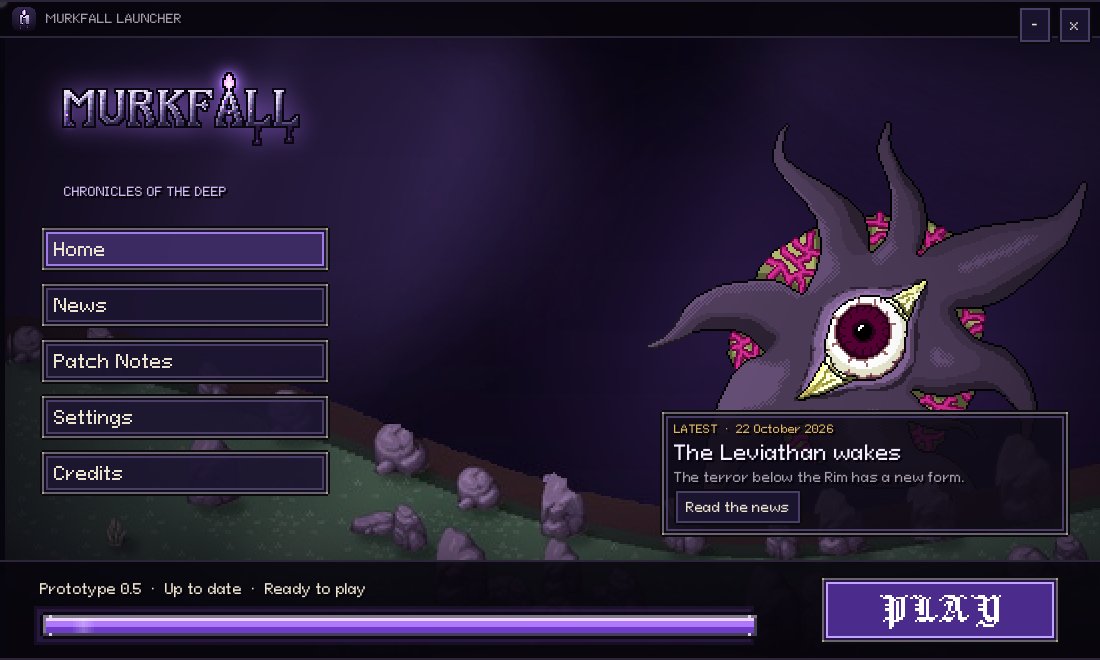
The first time, it downloads the game (about 50 MB). After that it only fetches what changed, so everyone always plays the same version.
Make your account, or sign in
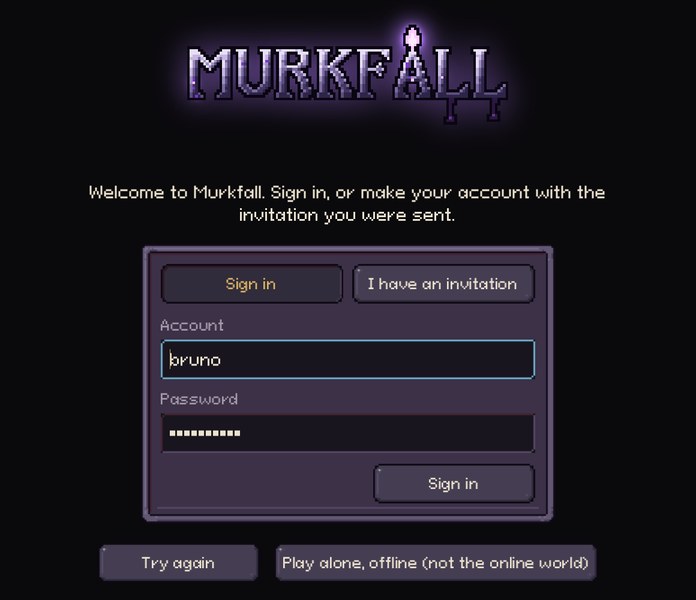
Press PLAY. New here? Choose I have an invitation, paste your code and choose a password. After that, sign in with your account and password on any PC. Each PC remembers you.
What you will find
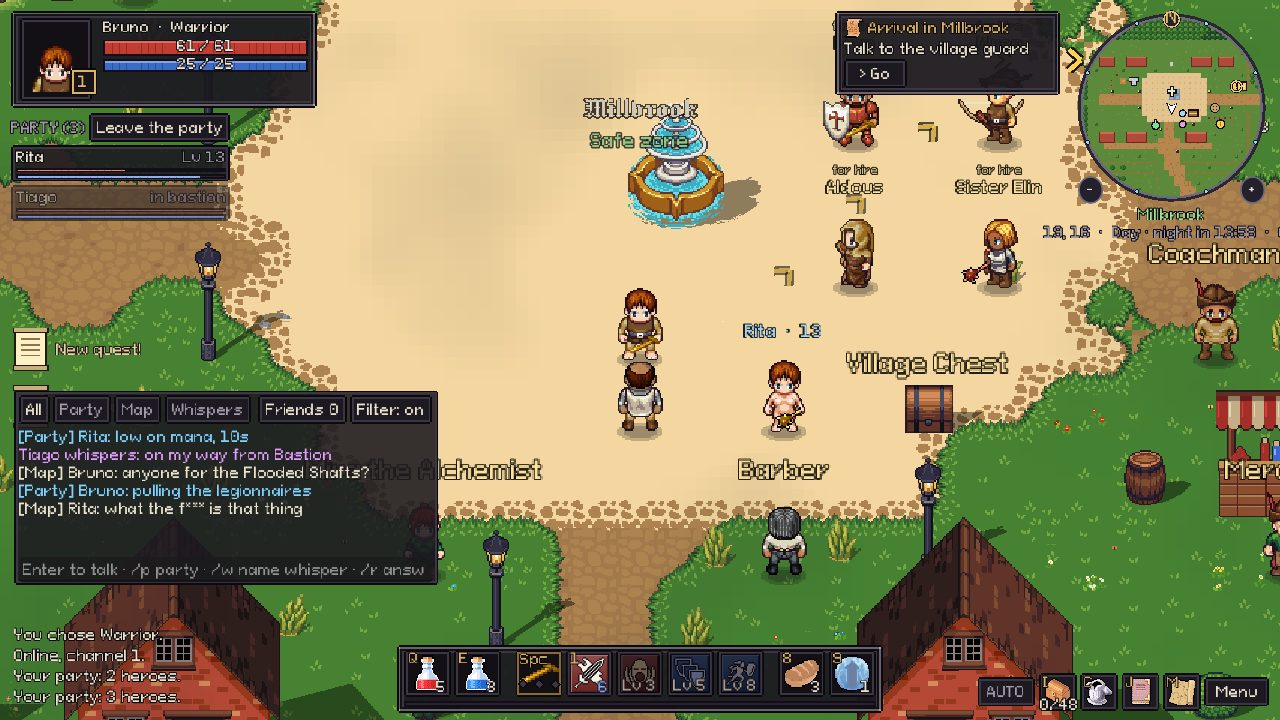
- Chat with tabs: Enter to talk, /p party, /w name to whisper.
- Parties: right-click a hero to invite, whisper, add a friend or mute. Hunting near your party gives more experience.
- Your hero is kept on the server. Play from the launcher every time, so you always have the newest version.
- Updates: when a new version comes out, the game tells you a couple of minutes before, keeps your hero, and reconnects by itself.
Help
Windows says "Windows protected your PC".
The game is not signed yet (that costs money every year and comes later). Click "More info", then "Run anyway".
My browser warns about the download.
The installer is new and not signed yet, so browsers are careful with it. It comes from this secure (https) address, and the launcher checks a digital signature on every file it downloads, so a changed file is refused. Choose "Keep".
The game asks for a code I don't have.
The test is by invitation. Ask the friend who invited you for your code; each code works once and makes one account.
I forgot my password.
Ask the person who invited you for a reset code. Paste it under I have an invitation and choose a new password.
"A new version of Murkfall is ready."
Press Update now: the launcher updates the game and starts it again.
"Could not update" in the launcher.
Check your internet and open the launcher again. If you already have the game, you can still press PLAY.